
Explore Superbox
Generations
Discover the exclusive collection with zero monthly fees.
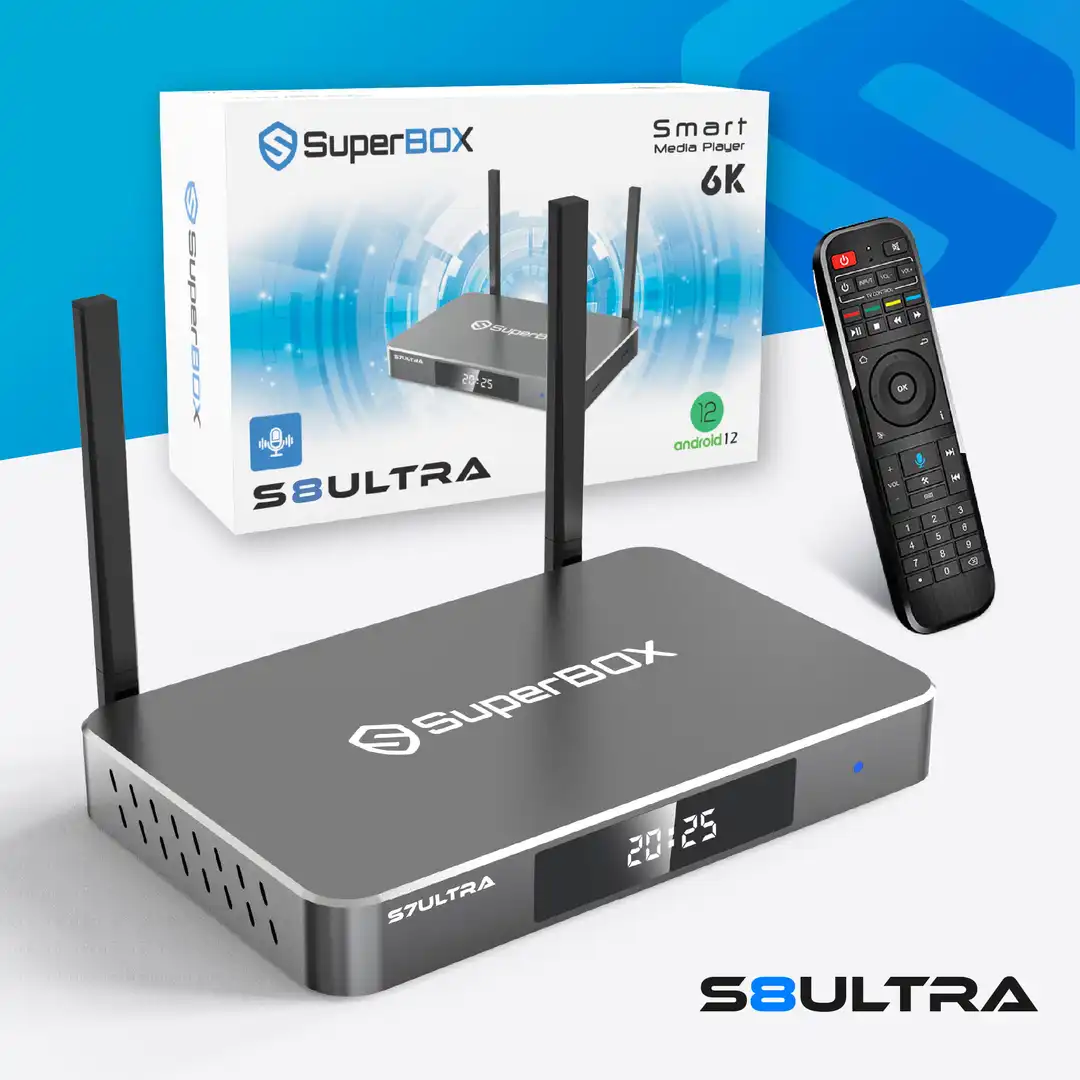
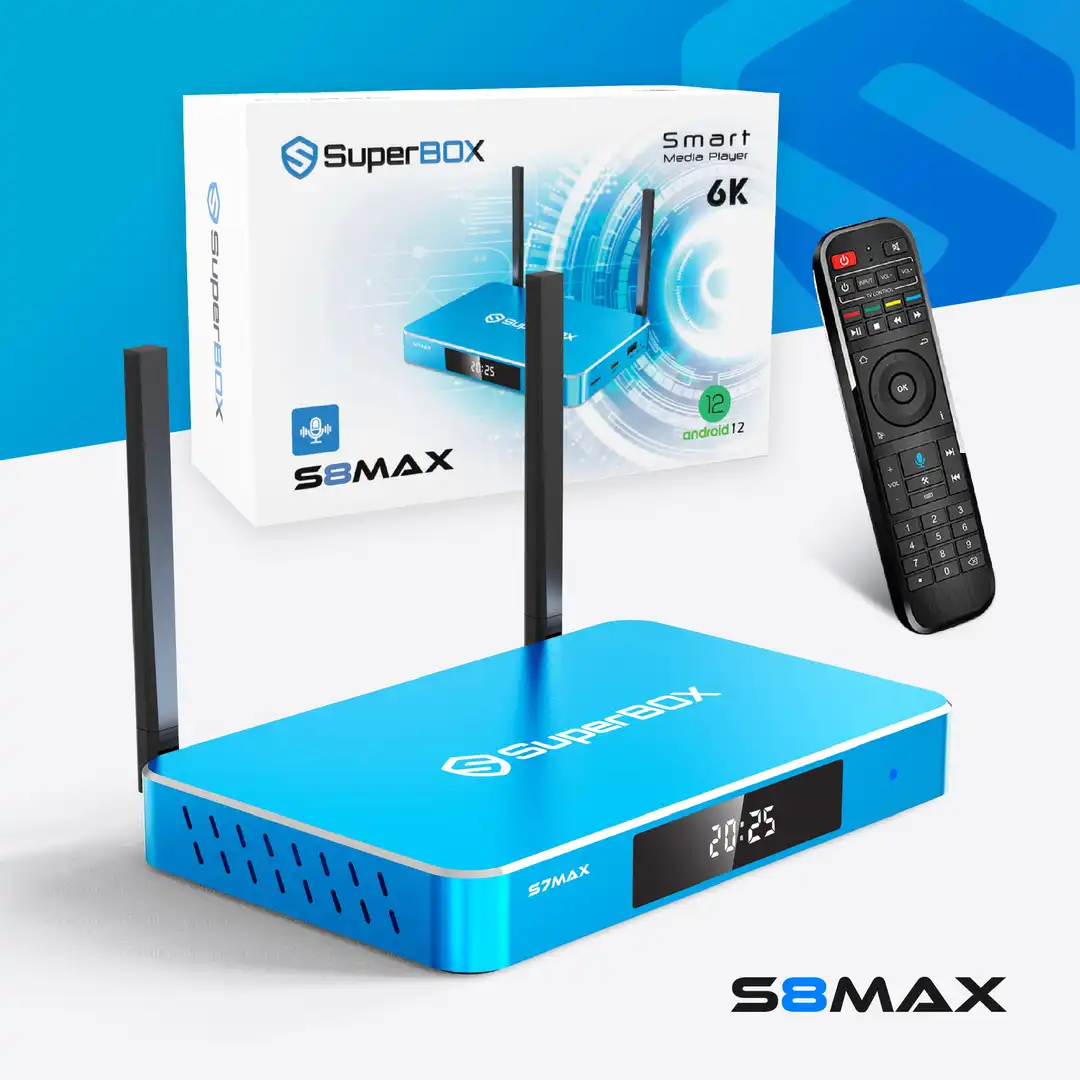
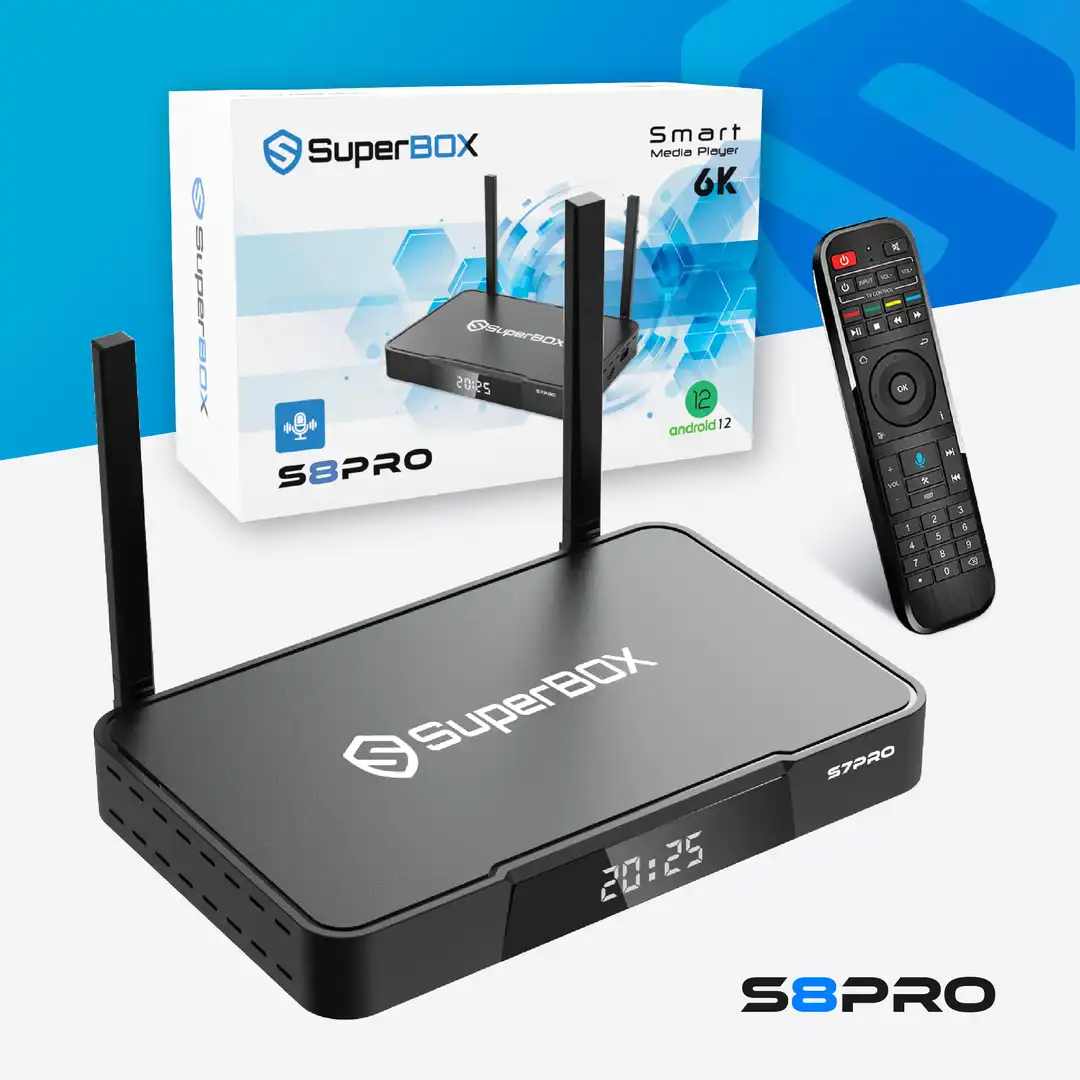
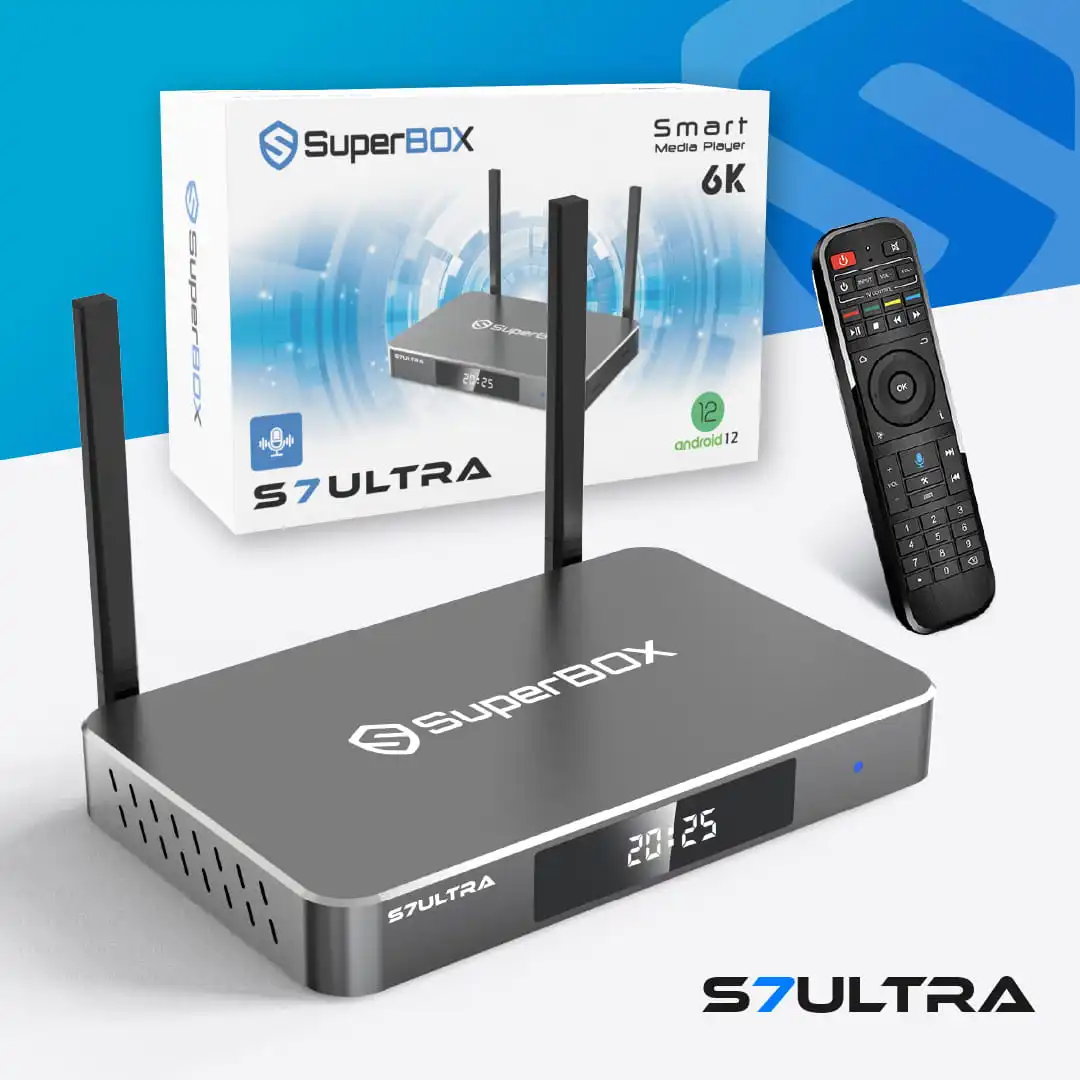
Superbox S7 Series
The Flagship Experience of 2026
Superbox S6 Series
The Proven Bestseller
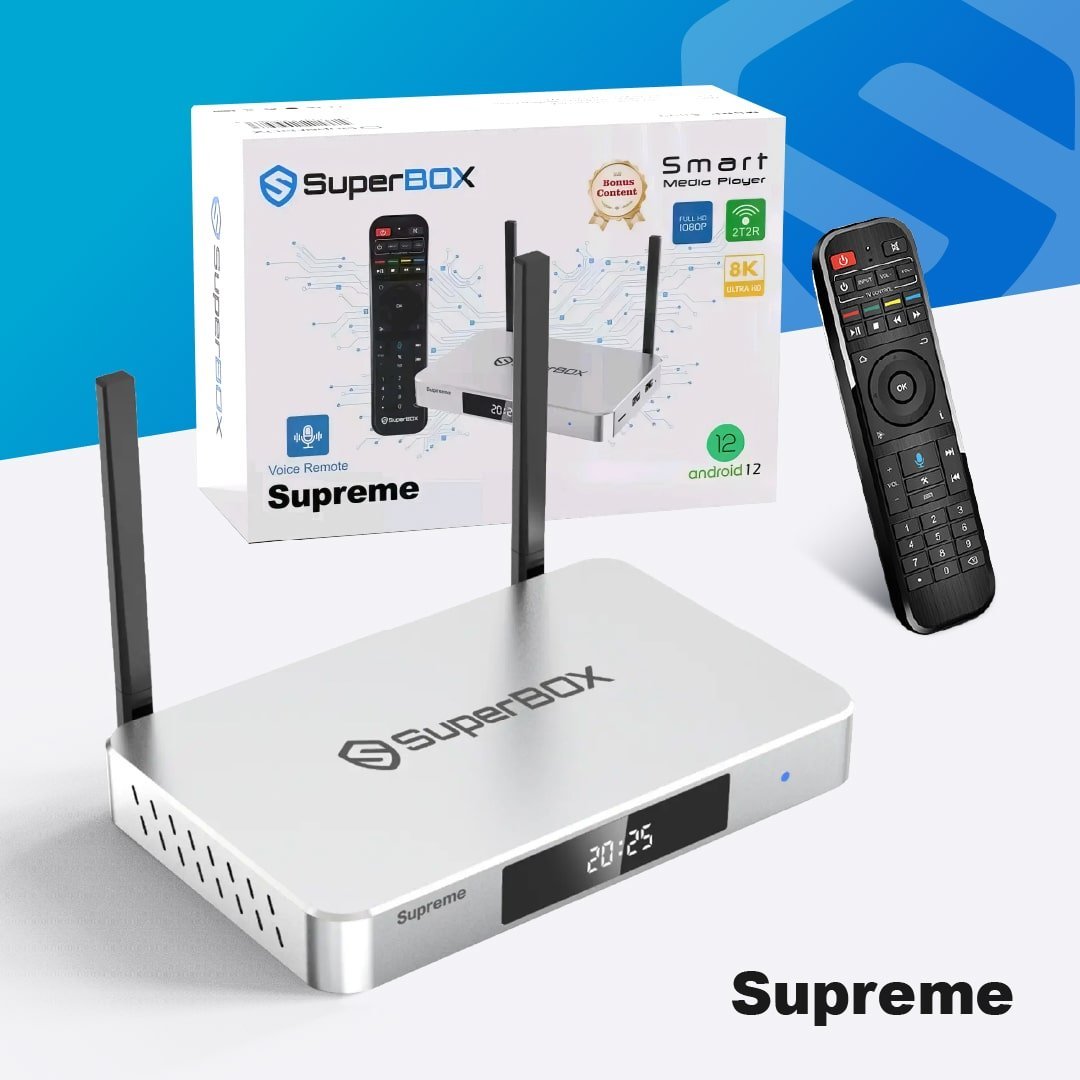
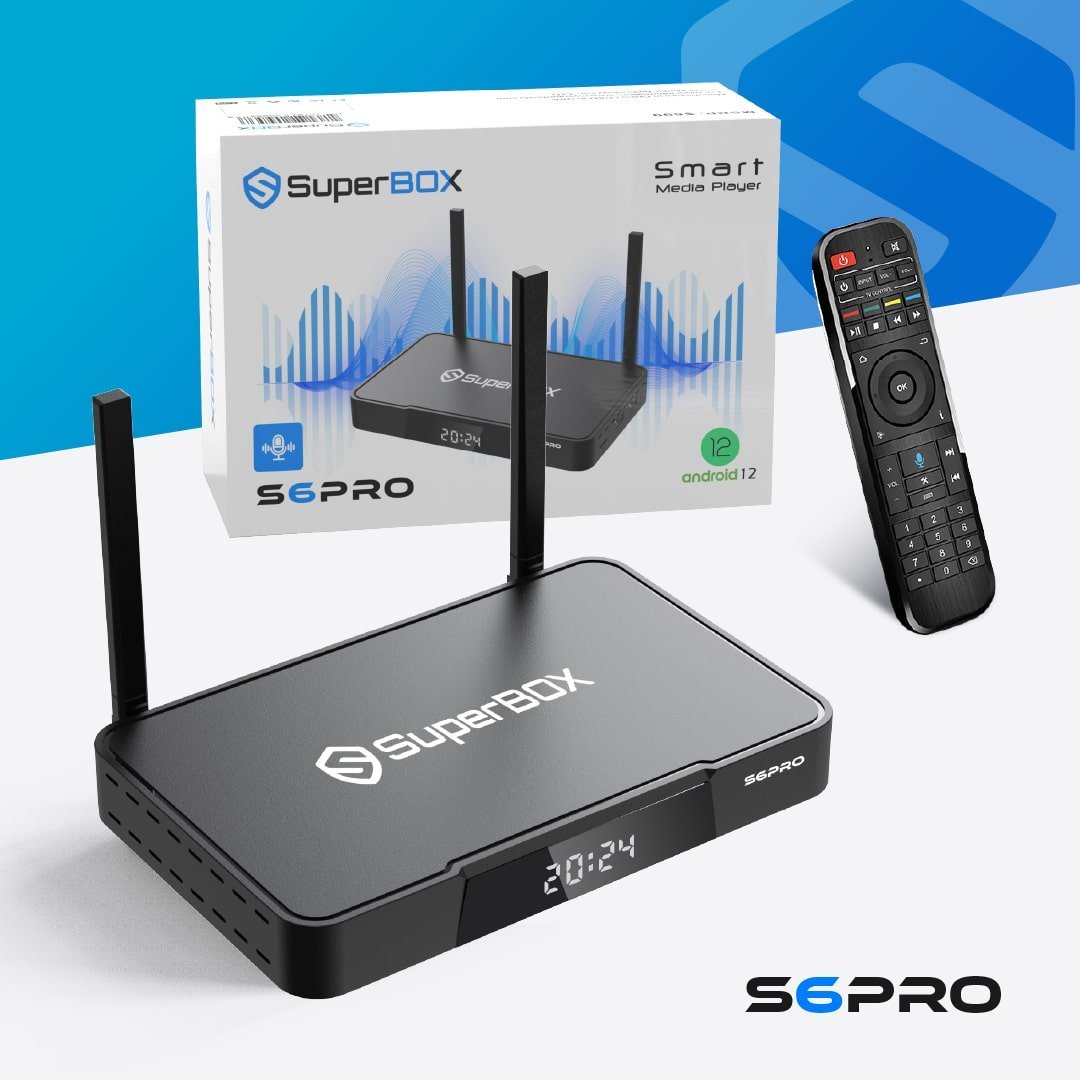
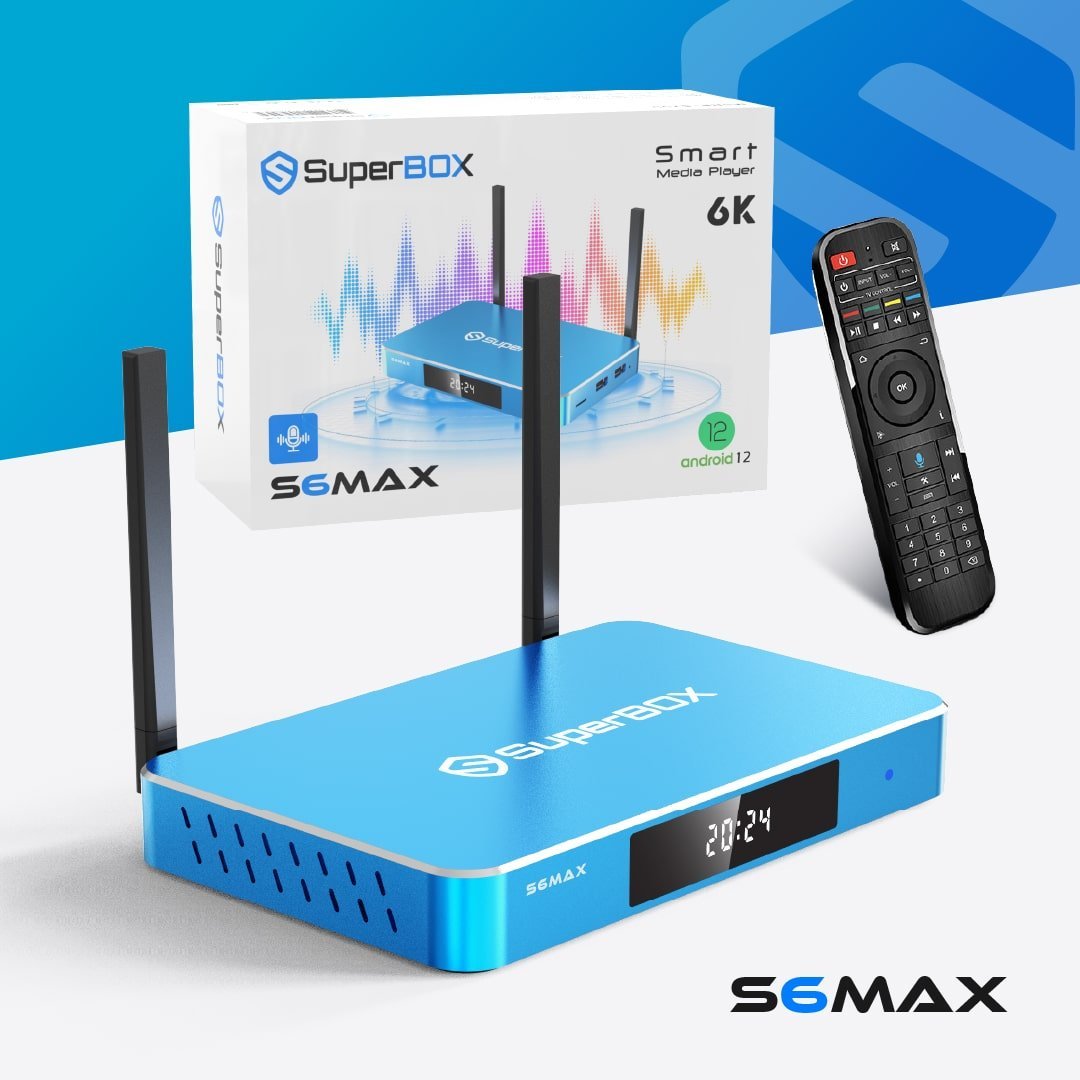
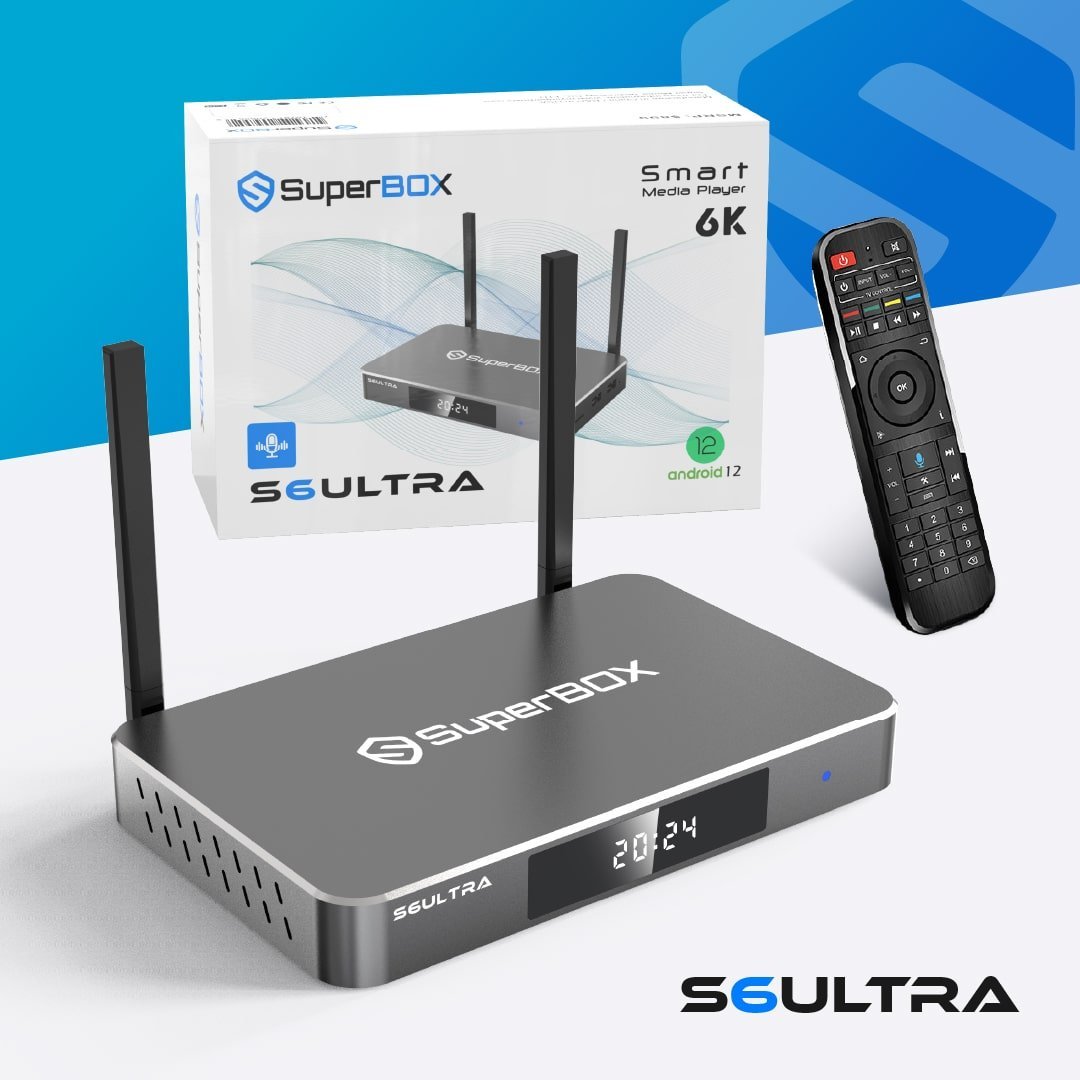
See Superbox In Action
Experience the ultimate cord-cutting solution with seamless streaming.

Get Your Genuine SuperBox TV Now!
Supersbox.com is the most trusted seller of authentic SuperBox TV Box S6, S7, and S8 series in the US and Canada.
Authorization Code: SP20250414002
When purchasing directly from our official store, customers are entitled to the following premium services:
- Free Worldwide Shipping, 2 – 5 days delivery.
- 1-Year Warranty, Free replacement for manufacturing defects.
- Free returns within 30 days with a full refund.
- Technical assistance for the life of the product.
To ensure the highest level of security, we utilize industry-leading payment gateways. Customers may complete their transactions via:
- Stripe: Credit/Debit Cards, Apple Pay, Google Pay.
- PayPal: Fast and secure transactions.
Important Disclaimer: We are not responsible for returns or technical support for orders purchased outside our website, supersbox.com.
Your Favorite Contents,
All Are FREE
2,000+ Ordinary & Premium Channels, 15,000+ Movies & TV Shows (VOD), save thousands of dollars a year.
Frequently Asked Questions
Find information about our product here
Please note, we are only responsible for orders placed through our official website at supersbox.com. We receive numerous inquiries daily and strive to offer the best service, exclusive offers, and dedicated care for our customers who order through our site.
We do not handle claims or issues related to purchases made outside of our website. Some customers have reported purchasing SuperBox devices from unlicensed or unauthorized dealers, and in some cases, have lost contact with those sellers. We strongly recommend that you purchase only from trusted sources to ensure the authenticity of your SuperBox device and avoid any potential issues.
Step-by-Step Installation Guide:
- Step 1: Physical Connections: Connect the HDMI cable to the SuperBox and your TV, then plug in the power adapter. For better streaming stability, use an Ethernet cable for internet, though Wi-Fi is available.
- Step 2: Power On: Switch on your TV and select the correct HDMI input. Initial Configuration: The box will boot up, showing the home screen. On first startup, a disclaimer will appear; select "Agree" to proceed.
- Step 3: Network Setup: Go to the network settings to connect to your local Wi-Fi network.
- Step 4: Remote Pairing: If the remote is not working, hold down the necessary pairing buttons to connect it.
- Step 5: Display Adjustments: Navigate to the setup icon, go to Device Preferences > Display & Sound and ensure the HDMI output mode is set to "Auto" for the best resolution.
- Step 6: Finalizing: The box is now ready to use, providing access to pre-installed apps.
Key Considerations: Usable globally, easy to move between TVs, requires a TV with an HDMI input and a reliable internet connection.